
MYOPL NEWS
"Where Should We Play?" How AI Is Automating Pickleball Court Discovery and Match RSVPs
Find Courts, Join Leagues, and Manage RSVPs: The Only AI-Powered Pickleball Directory Ask your AI where to play.
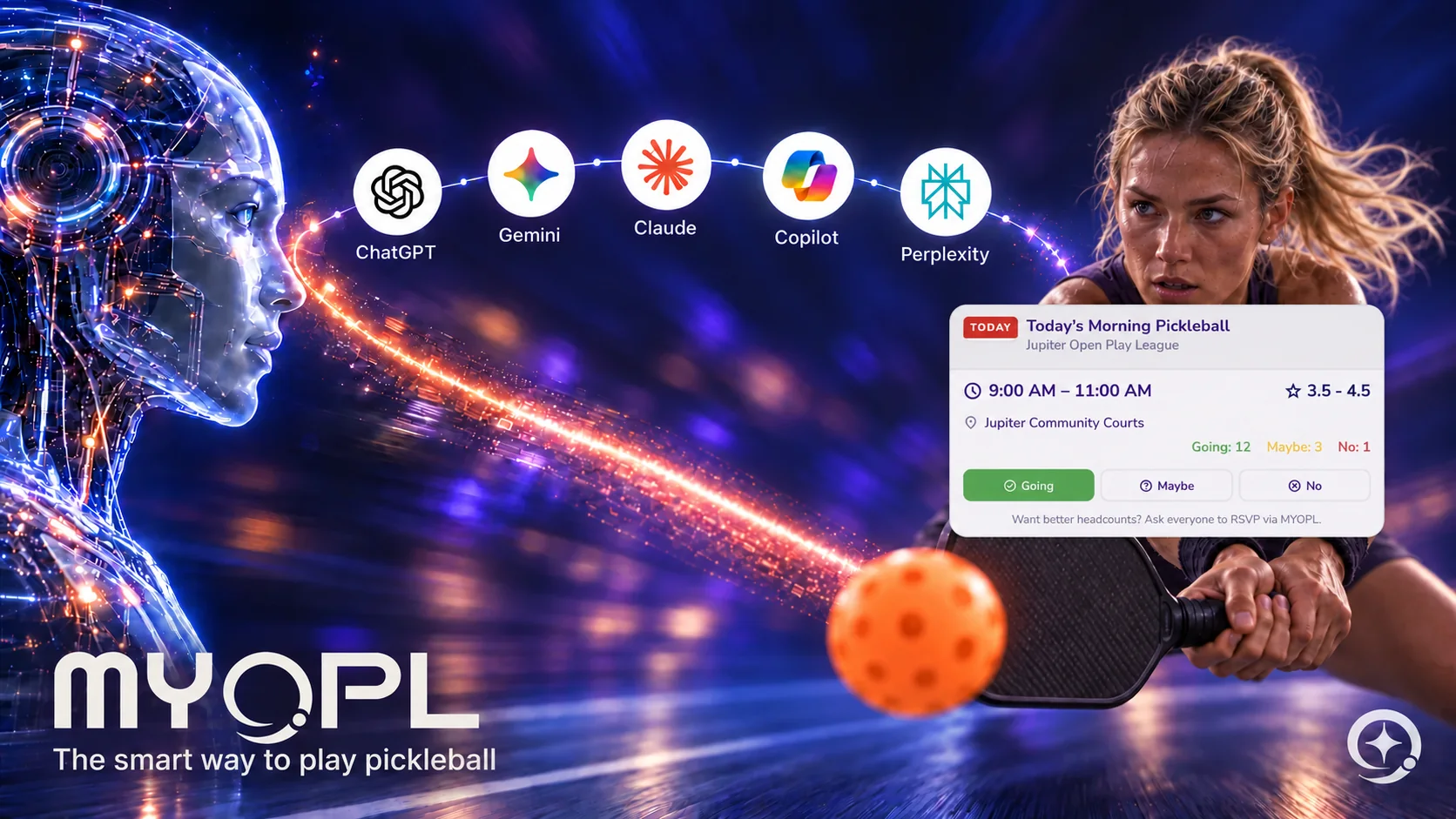
Finding open courts and organizing 8 to 16 players for open-play rotations is typically a headache of scattered group chats, spreadsheet sign-ups, and outdated park listings.
MYOPL is the first player-oriented platform that allows you to discover courts, clubs, and open-play sessions entirely through conversational AI.
Instant Geographic Search via Natural Language
Whether you're traveling or looking for new courts in your hometown, OPL Intelligence connects AI assistants directly to our comprehensive directory of courts, clubs, and leagues.
Using the prepare_pickleball_browse MCP tool, your AI can pull up to five curated listings with direct links:
- "Find lighted pickleball courts near Jupiter, Florida."
- "Are there open play pickleball sessions in Austin this weekend?"
- "Show me competitive pickleball leagues near Scottsdale, AZ."
The tool returns structured options categorized by Courts, Clubs, Sessions, or Leaderboards, complete with verified location links.
Hands-Free Game Coordination & League RSVPs
For league members and recurring session players, organizing attendance is as simple as talking to Siri while driving to the court:
- First say “Hey Siri, ask MYOPL.” Wait for Siri to prompt for your question, then ask “When is my next game?” (Invoking
get_my_next_session) - First say “Hey Siri, ask MYOPL.” Wait for Siri to prompt for your question, then ask “Who is going to the match?”
- First say “Hey Siri, ask MYOPL.” Wait for Siri to prompt for your question, then say “Prepare my RSVP as yes for tomorrow’s league.” (Invoking
prepare_my_rsvp)
By bridging directory discovery with real-time session participation, MYOPL transforms how players find games and lock in their spots.
Connect Your AI to MYOPL
Connect directly from your AI app with MYOPL’s setup guide, or use your preferred inference provider. Our connection walkthrough shows how to use Hugging Face as an example and how to connect your own MYOPL account.
Explore MYOPL’s open, player-first AI ecosystem.
Get Started With MYOPL
Get MYOPL
Save a match
Get your rating
Frequently asked questions
How do I find pickleball courts through MYOPL AI tools?
Connect the public MYOPL MCP endpoint and ask for courts in a named city, state or country. The directory tool returns up to five matching public listings with MYOPL links for you to explore.
What does my assistant need to find my next league session?
Connect your MYOPL account through OAuth with the sessions permission and provide the league’s MYOPL link. The tool uses the exact league identifier and your membership to retrieve the next session.
How do I finish an RSVP prepared by my AI assistant?
Open the returned MYOPL confirmation link, review the session and attendance choice, then confirm. Your assistant can use the prepared action identifier to check whether MYOPL completed the response.