
MYOPL NEWS
The First Open Pickleball MCP Server: Query Rules, Ratings, and Courts Directly From Claude
Access live pickleball ratings, court directories, and official rules directly inside your AI client. Connect to MYOPL’s free, zero-auth Model Context Protocol (MCP) server.
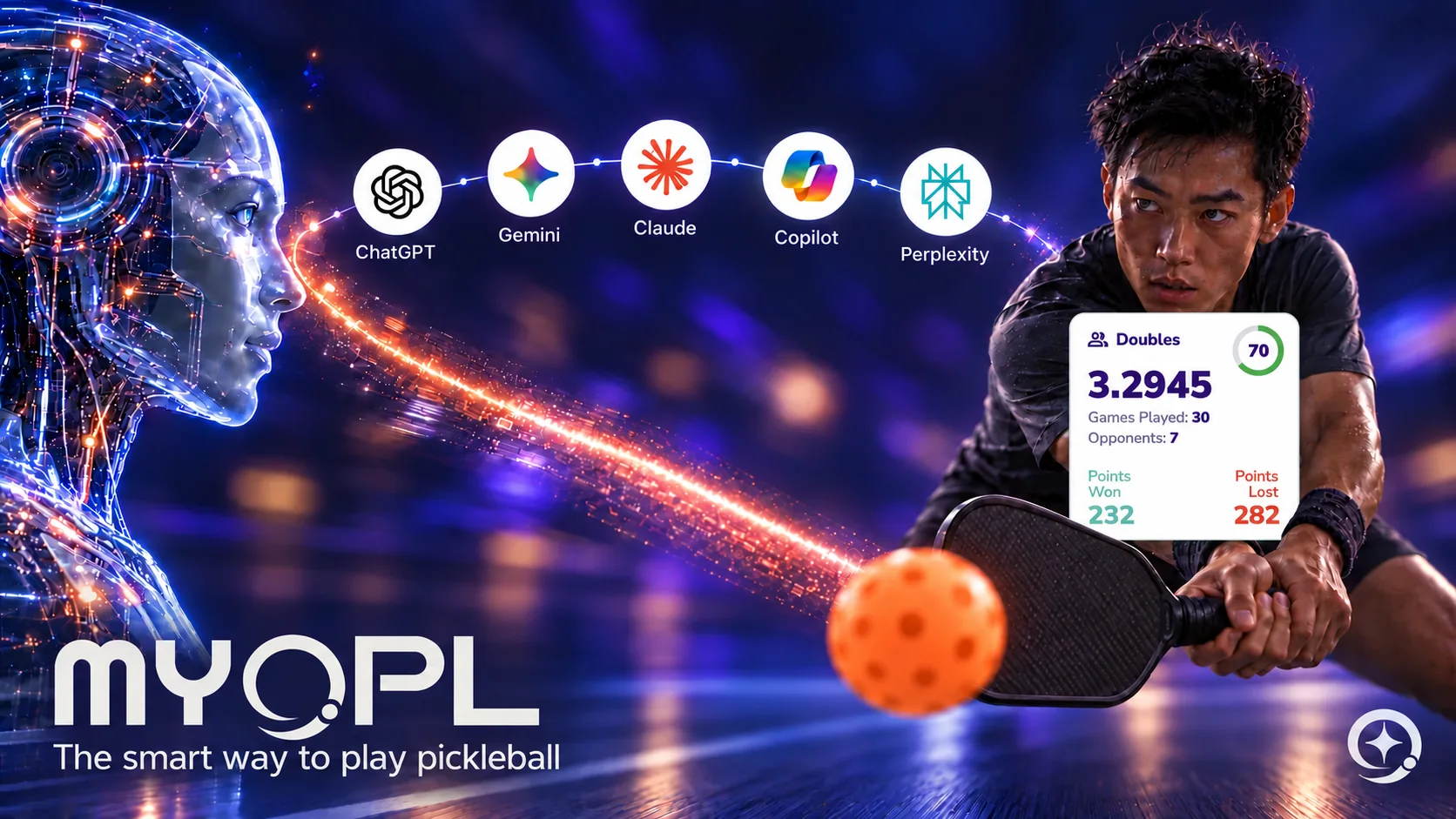
Until now, AI models like Claude, ChatGPT, and custom LLM agents had a major blind spot: live, structured racquet sports data. If you asked an AI model to resolve an obscure non-volley zone line call, look up an open play session in your city, or verify a player’s current rating, it was forced to rely on generalized web crawls or out-of-date static snippets.
MYOPL changes that today with the release of the first public Model Context Protocol (MCP) server for pickleball.
Through OPL Intelligence, developers, power users, and everyday players can now link any MCP-compatible AI client directly into validated pickleball knowledge—with zero API keys, no logins, and no authentication required for public endpoints.
Public Remote MCP URL:
What You Can Query Without Logging In
Using the standard remote MCP transport over HTTP, any client supporting the Model Context Protocol (such as Claude Desktop) can instantly call five production-grade tools:
prepare_pickleball_browse: Discover courts, active clubs, or open play sessions across any city, state, or country (e.g., "Find courts or open play in Jupiter, FL").search_pickleball_rules: Query the official, validated 2026 USA Pickleball Rulebook with exact citation grounds.get_public_player_rating: Fetch real-time OPL singles and doubles ratings, reliability scores, and win/loss records for any public username.search_myopl_website: Surface product and feature specifications.search_myopl_help: Retrieve official Help Center guides and workflows.
How to Connect Claude Desktop in 60 Seconds
Connecting Claude Desktop to live pickleball intelligence takes three steps:
- Open Claude Desktop and navigate to Settings > Connectors.
- Add a new remote MCP connector with the endpoint: https://api.myopl.net/mcp
- Select "No sign-in" (zero auth).
Where to Find Us in the AI Ecosystem
The MYOPL MCP server is indexed and verified across leading directory registries:
- Glama Directory: Public Knowledge Connector | Personal Account Connector
- Smithery: MYOPL Server Registry
- Hugging Face Spaces: MYOPL MCP Server
- MCP Servers Registry: OPL Intelligence on mcpservers.org
For players looking to access their private match cards, next league dates, and RSVP tools, MYOPL also provides an authenticated endpoint at https://api.myopl.net/mcp/personal.
Connect Through Your Preferred Inference Endpoint
Prefer your own AI setup? Choose your model in your agent app—for example, a model hosted on Hugging Face Inference Endpoints—then add MYOPL’s public connection and ask your pickleball question. You can use any inference provider with an agent app that supports MCP and tool calling.
For your own ratings, league sessions and RSVP tools, add the personal connection and sign in to your MYOPL Plus or higher account. Follow the MYOPL connection guide for setup.
Quick install: npx add-mcp 'https://api.myopl.net/mcp'.
Explore MYOPL’s open, player-first AI ecosystem.
Get Started With MYOPL
Get MYOPL
Save a match
Get your rating
Frequently asked questions
What is the public MYOPL MCP server URL?
Use https://api.myopl.net/mcp for public pickleball ratings, rules, directory browsing and MYOPL guides. These public tools are free and require no MYOPL account or API key.
How do I connect a Hugging Face inference endpoint to MYOPL?
Configure the model endpoint in your agent application, then add MYOPL as a separate remote MCP connection. The agent passes tool definitions to the model, executes MYOPL tool calls and returns their results for the model’s answer.
Which connection gives access to my own league tools?
Use https://api.myopl.net/mcp/personal with OAuth and your MYOPL Plus or higher account. Approve the relevant permissions for your rating, statistics, league sessions and RSVP preparation.