
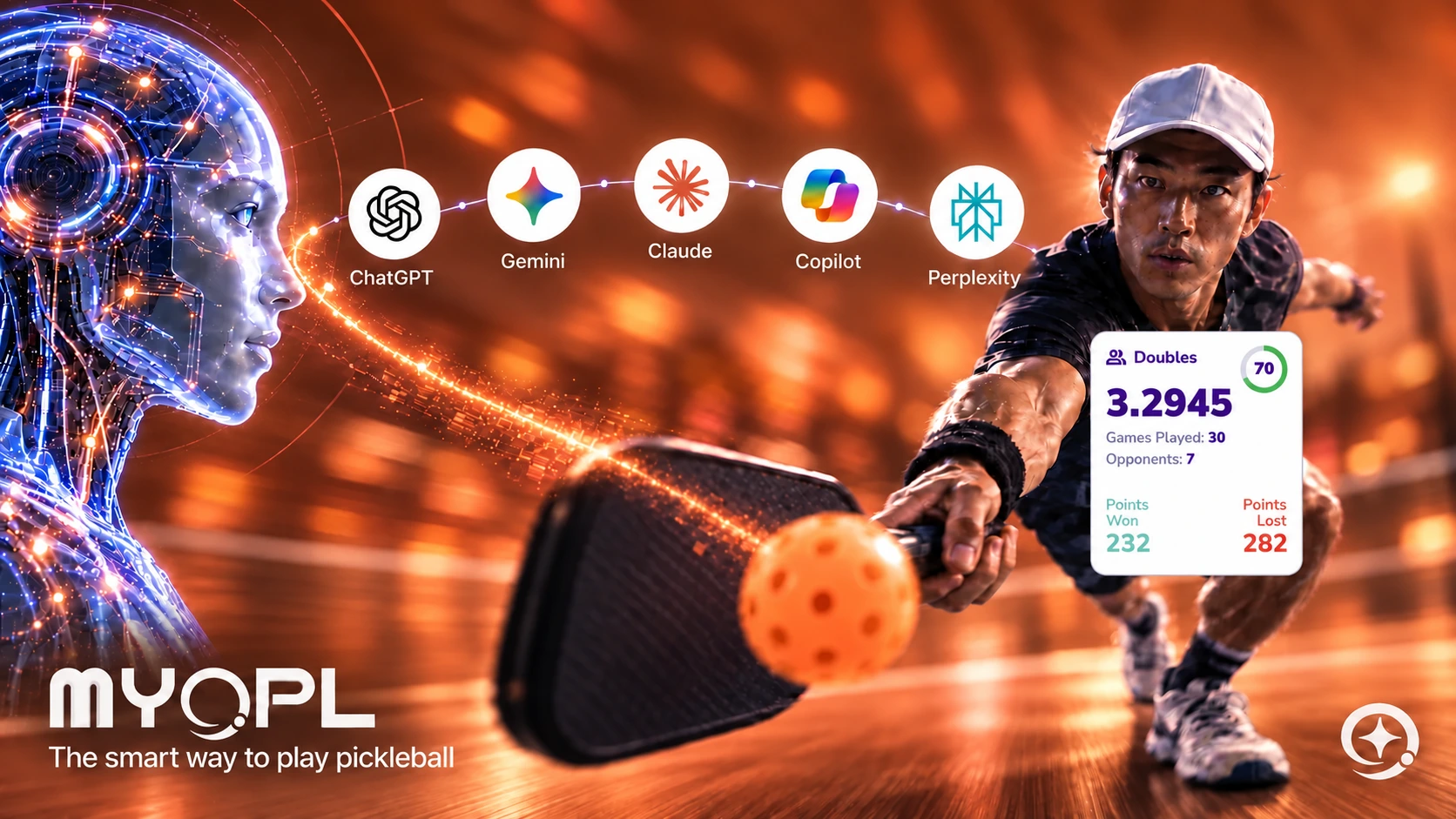
Pickleball is the fastest-growing sport in North America, but its digital infrastructure has lagged behind. Most platforms operate inside closed walled gardens, locking player ratings behind complex paywalls, burying official rulebooks inside static PDF files, and forcing organizers to manually manage schedules across disconnected messaging apps.
MYOPL was built on a different principle: pickleball software should adapt to how players actually play.
That means providing hands-free voice access when you are standing on the 20x44 court, offering open integrations so developers can innovate, and creating a rating system that respects both competitive play and social pickup games.
The Five Pillars of MYOPL’s AI Architecture
| Pillar | How MYOPL Delivers |
|---|---|
| 1. AI Ratings Queries | Fetch 4-decimal precision ratings for yourself or public opponents instantly through Siri or custom AI workflows. |
| 2. Official USA Pickleball Rulebook | Under an official licensing agreement with USA Pickleball, MYOPL delivers grounded, validated 2026 rule citations. |
| 3. AI-Powered Court & Club Discovery | Search thousands of courts, clubs, and open play leagues conversationally via location and category queries. |
| 4. Player-Centric Automation | RSVP for upcoming matches, track session lineups, and monitor Reliability Scores hands-free. |
| 5. Public Pickleball MCP | Zero authentication required. Any developer or enthusiast can plug into https://api.myopl.net/mcp right now. |
How to Get Started Today
Whether you play once a week at the local park or compete in organized leagues:
- Apple Users: Download the MYOPL app for iOS and macOS, activate Siri AI, and start asking natural questions on-court.
- AI Power Users: Add https://api.myopl.net/mcp into Claude Desktop, Cursor, or any remote MCP-compatible client.
- Developers: Access our public listings on Glama, Smithery, and Hugging Face to start building custom pickleball integrations today.
Connect Your AI to MYOPL
Connect directly from your AI app with MYOPL’s setup guide, or use your preferred inference provider. Our connection walkthrough shows how to use Hugging Face as an example and how to connect your own MYOPL account.
Get Started With MYOPL
Get MYOPL
Save a match
Get your rating
Frequently asked questions
What can AI connected to MYOPL help a pickleball player do?
It can retrieve public ratings, official rules, directory listings and MYOPL guides. A personal connection adds your own rating, statistics, next league session and RSVP preparation with confirmation in MYOPL.
Does MYOPL require one particular AI model?
MYOPL exposes its tools through MCP. An application that supports remote MCP can connect them to its chosen model, including one served through a hosted inference endpoint or a local runtime.
How do I start asking MYOPL through Siri?
Set up MYOPL on your Apple device, say “Hey Siri, ask MYOPL,” and wait for Siri to prompt for your question. Then ask, for example, “What is my OPL rating?”